




UGREEN Uno USB-C Hub 6-in-1
Inhouse product







Reviews & Ratings
UNO 6-in-1 Intelligent USB-C Hub – Power, Speed & Style
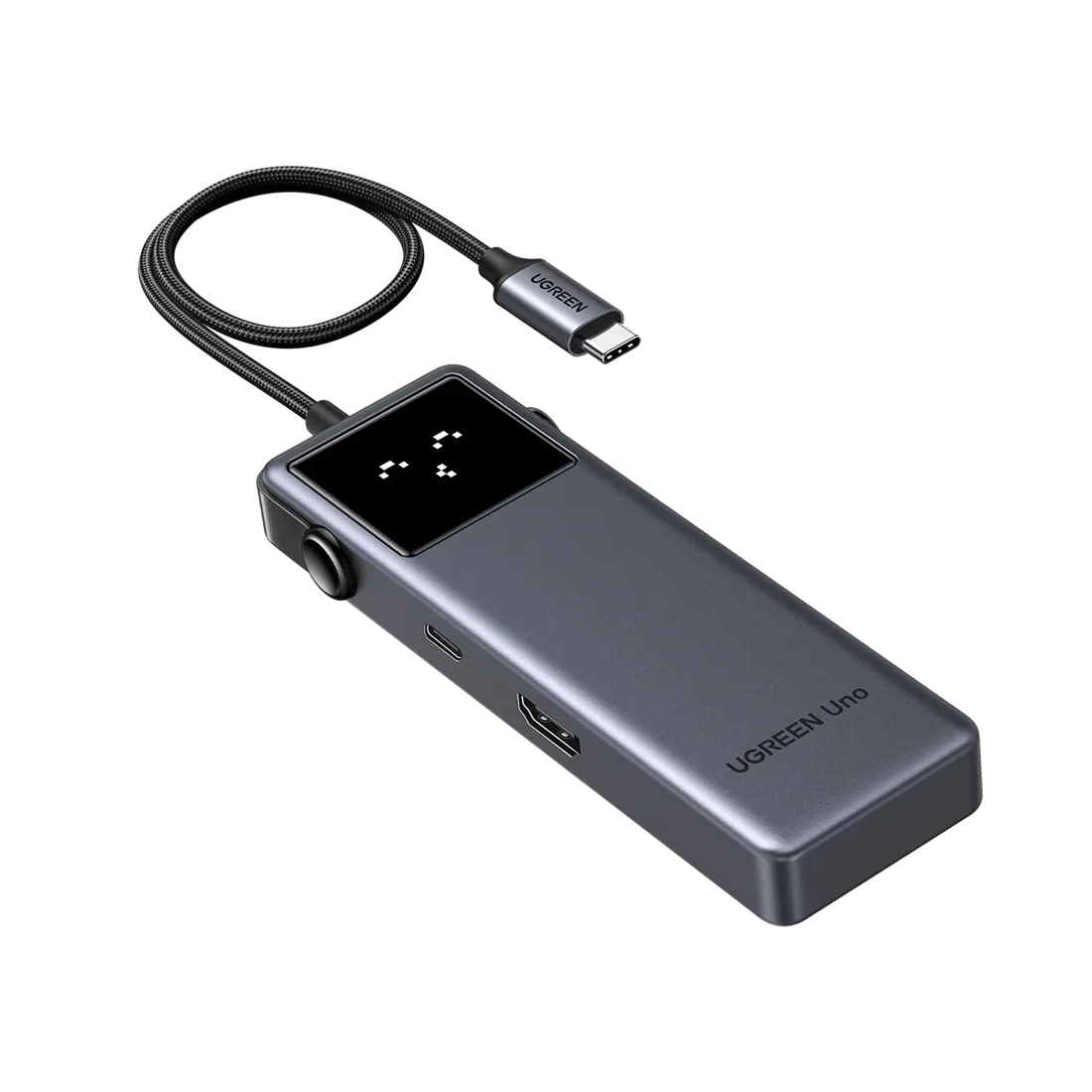
Upgrade your laptop or tablet connectivity with the UNO 6-in-1 USB-C Hub, designed with a smart robot-style design and four status emoji indicators that make your workspace both fun and functional. This powerful multiport adapter expands a single USB-C port into six essential ports, providing ultra-fast data transfer, high-resolution display, and efficient power delivery.
Key Features
Intelligent Robot Design
The UNO USB-C Hub features a unique robot-inspired design with four smart status emojis that display the device’s working state. It’s not just functional — it adds personality to your desk setup.
6-in-1 Multiport Expansion
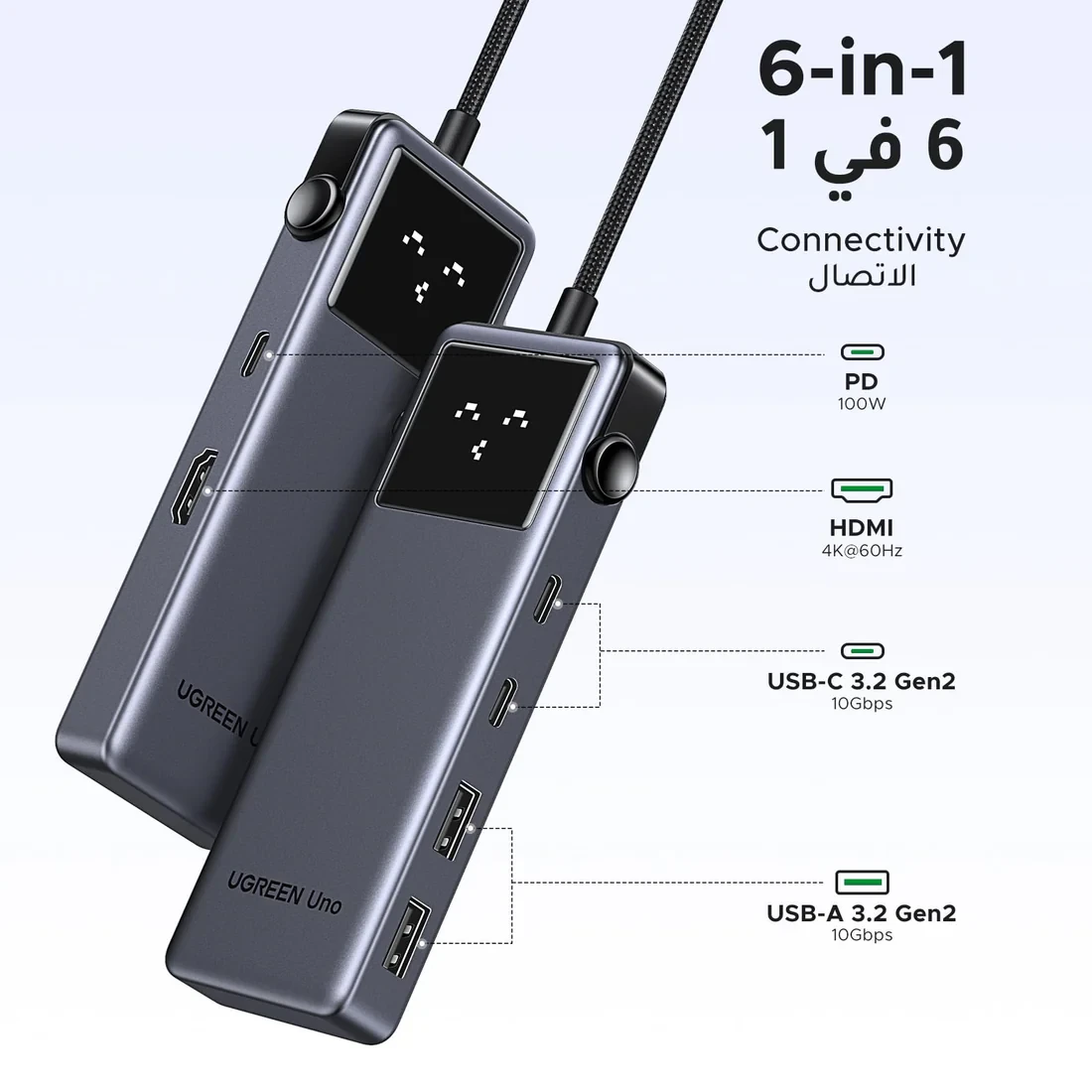
Turn one USB-C port into six powerful connections:
• 2 × USB-C 3.2 Gen 2 ports (10Gbps data transfer)
• 2 × USB-A 3.2 Gen 2 ports (10Gbps data transfer)
• 1 × 4K@60Hz HDMI port
• 1 × 100W Power Delivery charging port
Perfect for connecting multiple devices simultaneously.
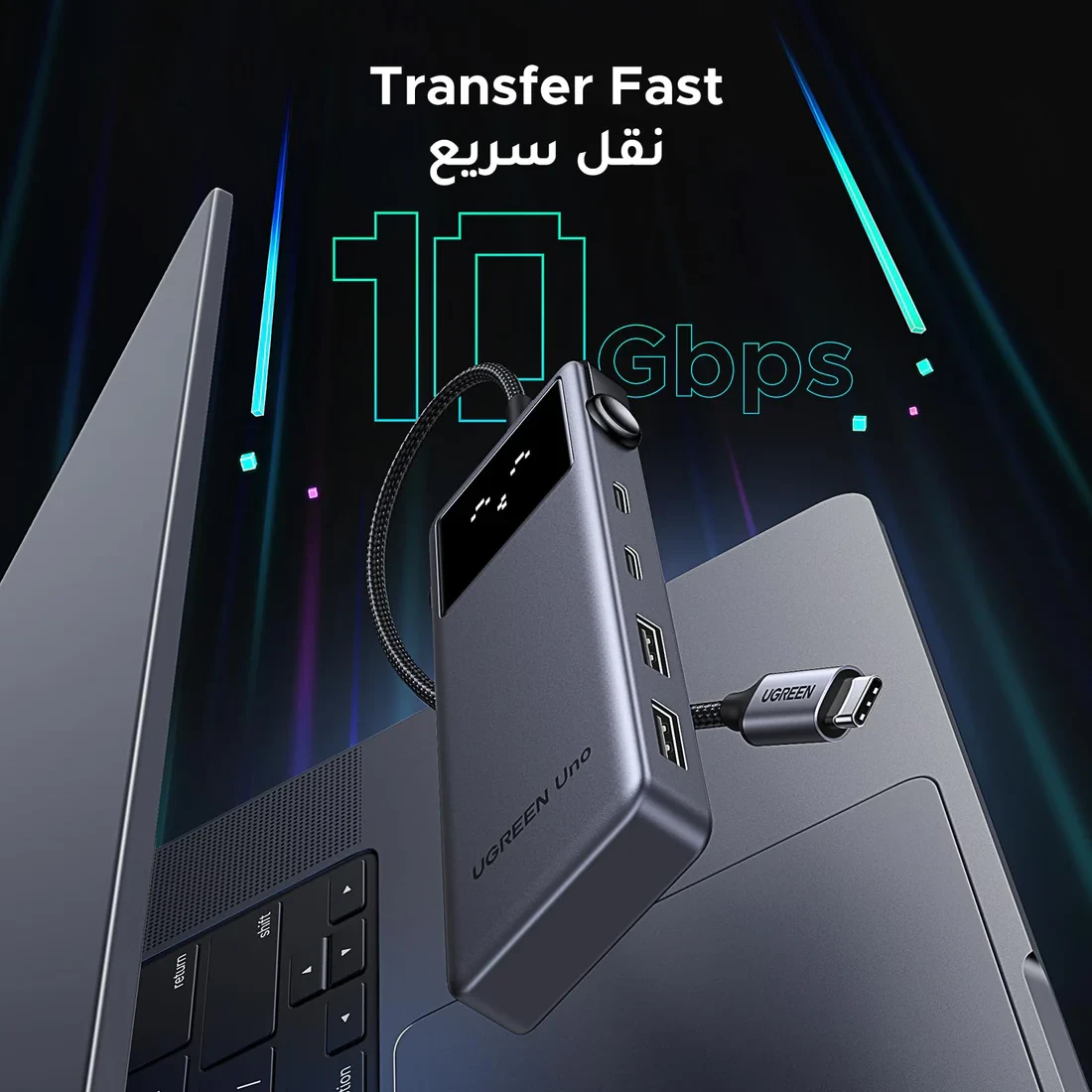
Ultra-Fast 10Gbps Data Transfer
Transfer files, movies, photos, and large data in seconds with USB 3.2 Gen 2 technology, delivering speeds up to 10Gbps via both USB-C and USB-A ports.
Note: The USB-C port labeled 10Gbps supports data transfer only and does not support video output.
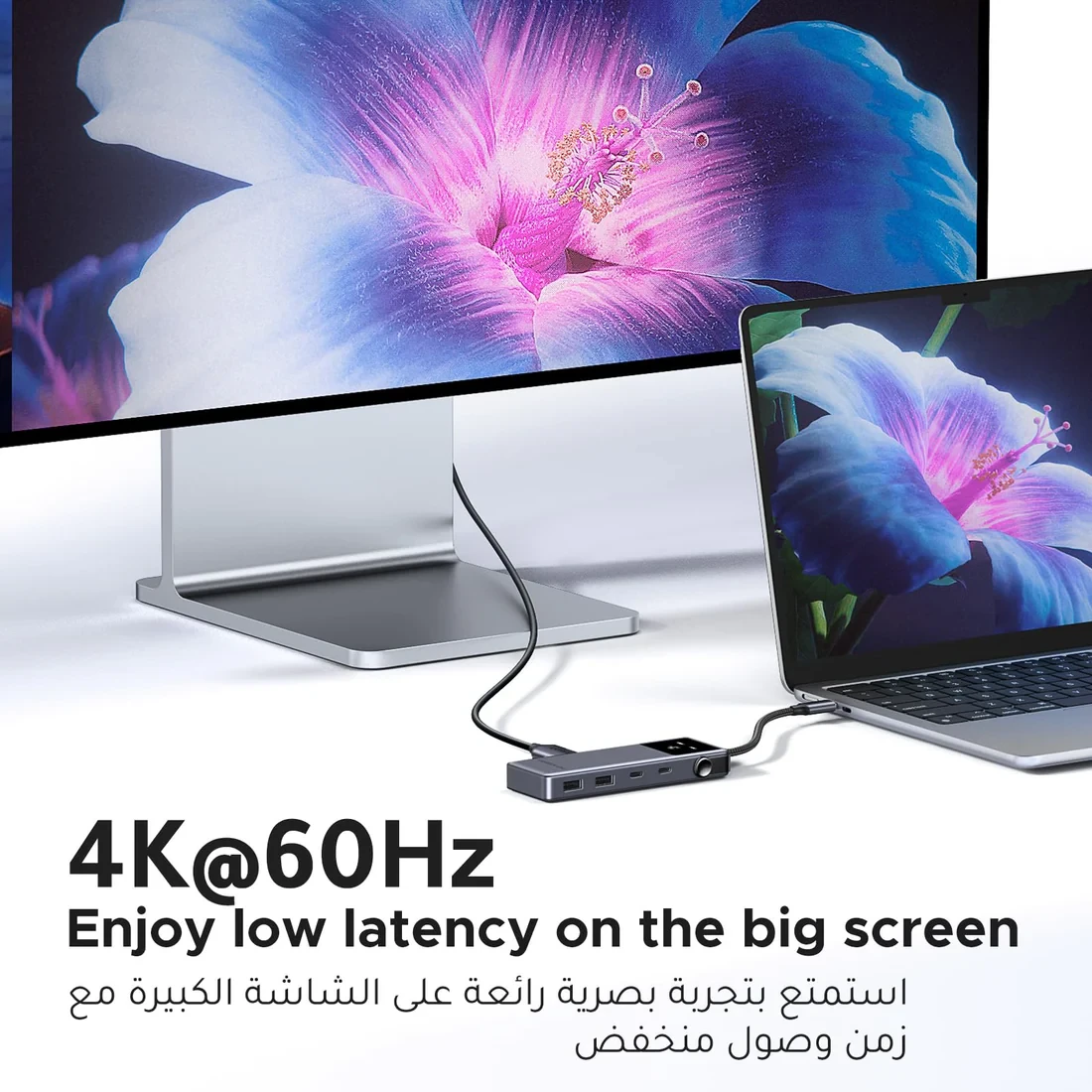
4K@60Hz HDMI Display
Enjoy stunning visuals by connecting your laptop to an external monitor, TV, or projector via the HDMI port supporting 4K resolution at 60Hz. Perfect for presentations, streaming, gaming, or multitasking.
Note: Your device must support USB-C video output (DisplayPort Alt Mode).
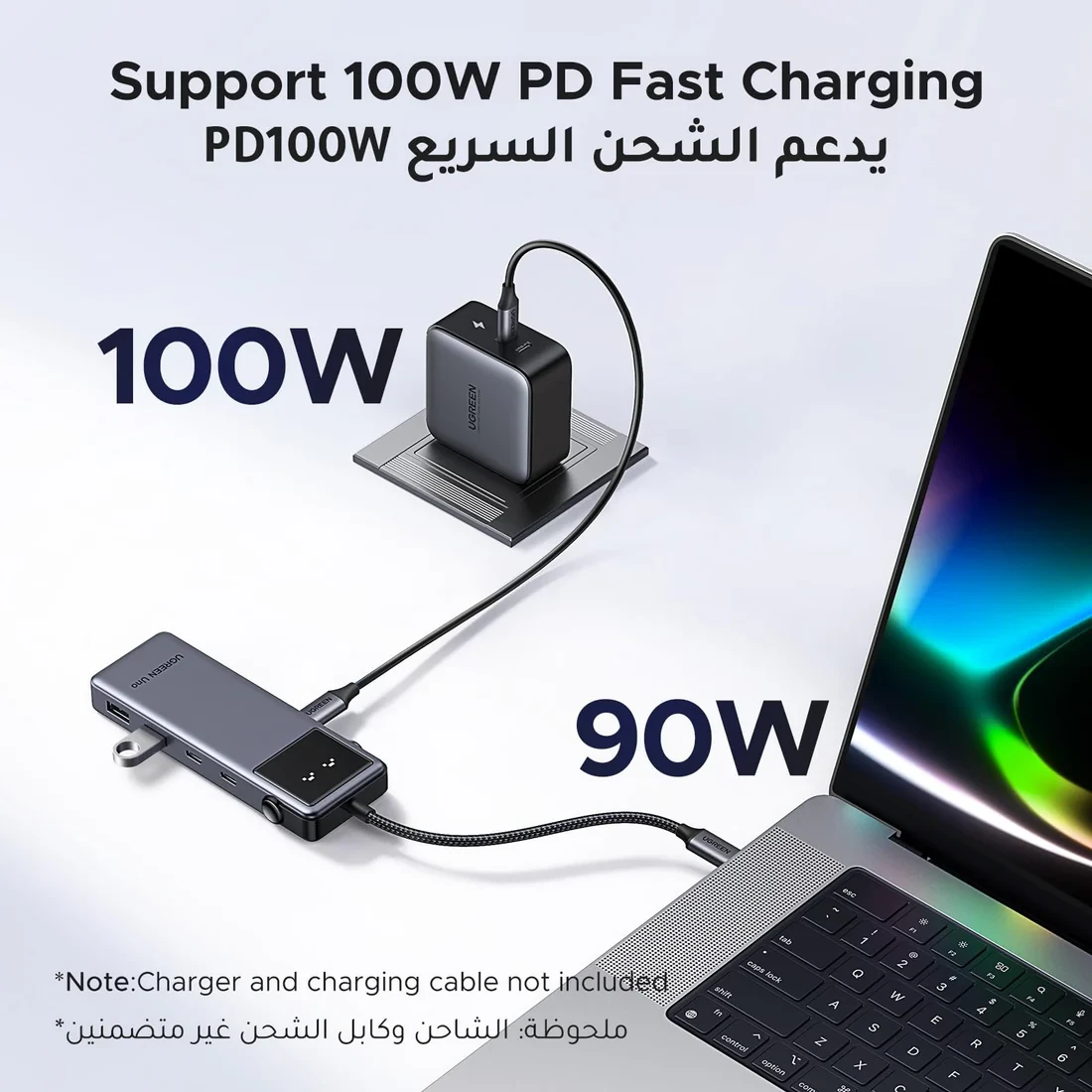
100W Power Delivery Charging
Keep your laptop powered while working with up to 100W USB-C pass-through charging. Charge your device while transferring files or using external displays.
Tip: Avoid plugging or unplugging the charger during screen casting or file transfers to prevent data interruption.
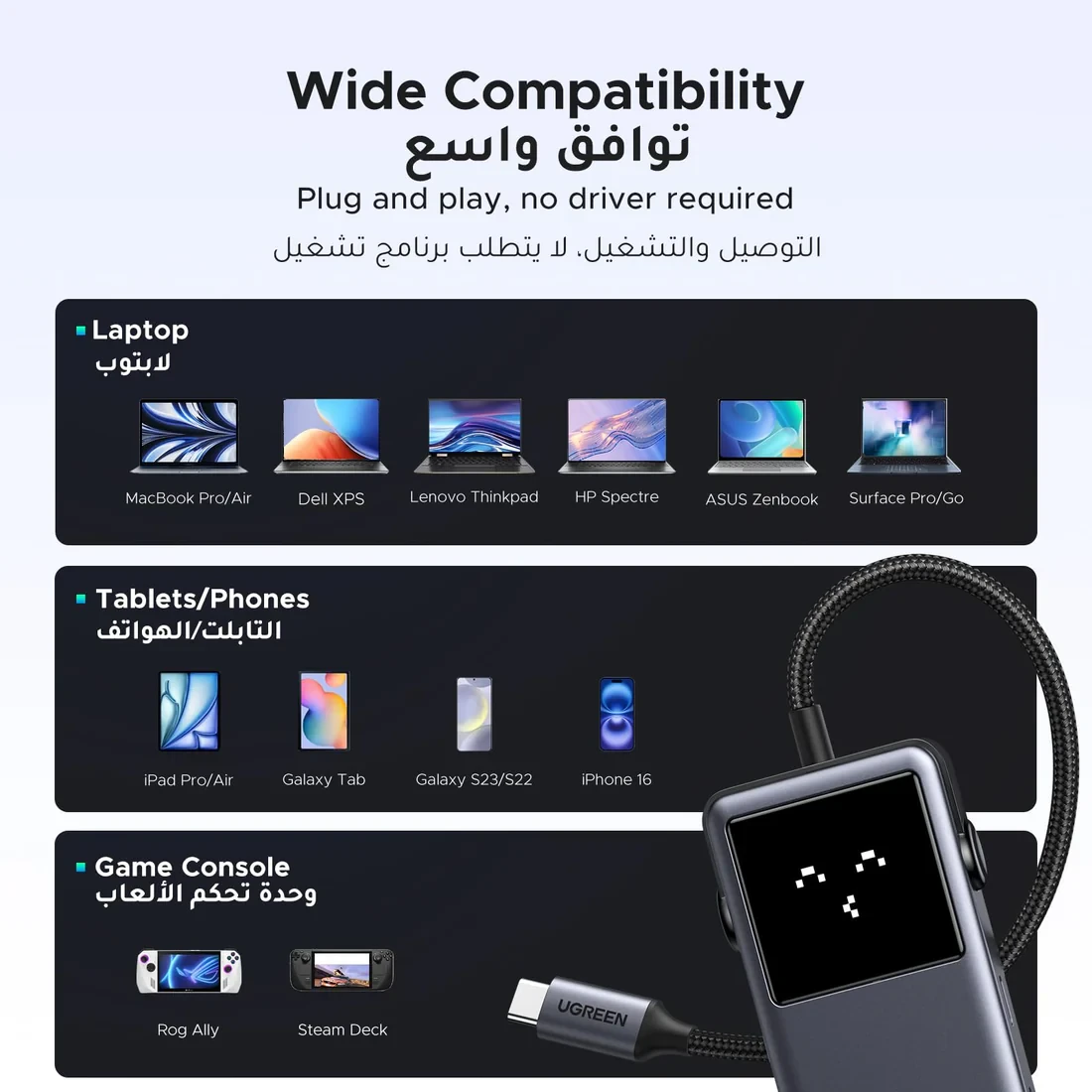
Wide Compatibility
The UNO USB-C Hub works with a wide range of USB-C devices including:
• MacBook Pro / MacBook Air
• iPad Pro
• Samsung Galaxy Tab S9 / S8
• Huawei MateBook / MatePad
• Microsoft Surface devices
• Lenovo ThinkPad
• HP Spectre
• Dell XPS
• ASUS ZenBook
Also compatible with keyboard, mouse, external monitors, 4K projectors, TVs, and portable displays.
What’s in the Box
• 1 × UNO 6-in-1 USB-C Hub
• 1 × User Manual
• 24/7 Customer Support
Frequently Bought Products
Royal Empire Group

Follow Us
Mobile Apps